Photoshop tutorial round-up: April 2010
I’ve made a quick round-up of April’s best Photoshop tutorials. Here it is.

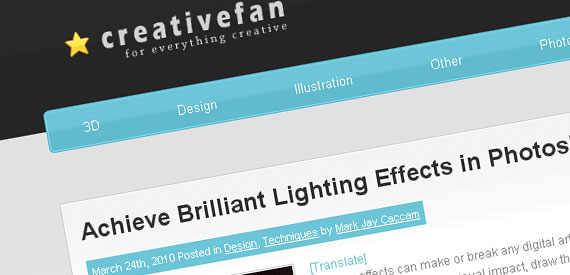
Achieve Brilliant Lighting Effects in Photoshop

creativefan Photoshop tutorial round up: April 2010

Create a Floating Island Scene Similar to James Cameron’s Avatar
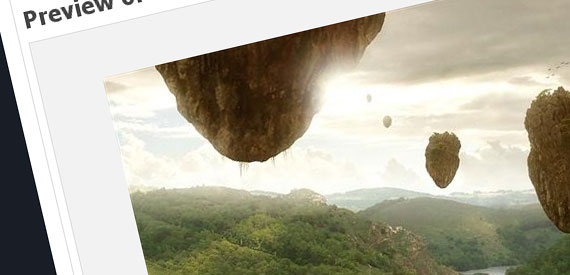
photoshoptutorials Photoshop tutorial round up: April 2010

Create A Dynamic Shattering Text Effect
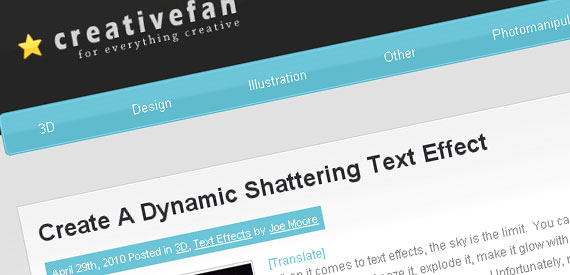
creativefan2 Photoshop tutorial round up: April 2010

Photoshop Tutorial: Create 3D type art using Photoshop CS5
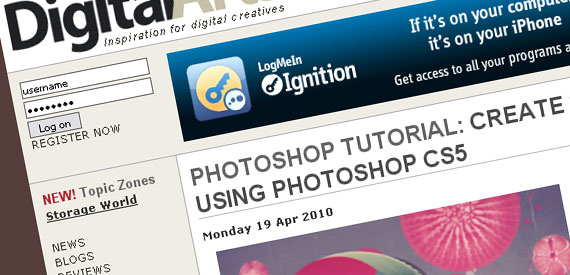
digitalarts Photoshop tutorial round up: April 2010

Photoshop Tutorial: Create a burlesque photo montage using pro-level masking skills

digitalarts21 Photoshop tutorial round up: April 2010

Master the layer mask

computerarts Photoshop tutorial round up: April 2010

Quick Tip: Create a Realistic Paper Texture in 5 Minutes
psdtuts2 Photoshop tutorial round up: April 2010

Use Stock Photography and 3D Objects to Create a Robotic Woman
psdtuts Photoshop tutorial round up: April 2010

Feel free to add your own tutorial to the mix if I missed it!

0saves


If you enjoyed this post, please consider leaving a comment or subscribing to the RSS feed to have future articles delivered to your feed reader.

Related Posts

Interview-Adam-McIntyre-insight-freelancers-life-THUMB

Interview with Adam McIntyre – Insight into a Freelancer’s Life

Adobe-Illustrator-tutorial-draw-vector-pirate-skull-THUMB

Adobe Illustrator Tutorial: How to Draw a Vector Pirate Skull

Illustrator-Photoshop-tutorials-roundup-april-2013-THUMB

Illustrator and Photoshop Tutorials Roundup – April 2013

designtnt-vector-superhero-small-THUMB

8 New Premium Design Goodies from DesignTNT.com

4 Comments

  1. jared thompson

    05.03.2010

    Reply

    Great to see a variety of website choices to get tutorials from! Im loving creative fan’s recent photoshop tutorials :)

  2. Rachel

    05.04.2010

    Reply

    Nice round up..very helpful..thanks for post…

  3. Edgar Lissard

    05.13.2010

    Reply

    I tried to subscribe to your rss feed, but had a problem adding it to google reader. Could you please check this out.

    • Doink

      05.14.2010

      Reply

      After you click the RSS icon, in the next window simply click the “Google” button. Then you’ll be redirected to Google Reader, where you can log in with your account. And that’s it !

Leave a Reply


Read Next