

Illustrator Tutorials Roundup – Best of 2012
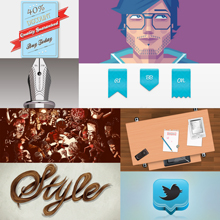
Remember I promised that I would also post a roundup with the most popular Illustrator tutorials from 2012? Well, this is it. And this isn’t the only piece of good news that I’ve prepared for you; from now on, I’m also going to post a monthly roundup with Illustrator tutorials, to help you improve your necessary skills for creating exceptional vector illustrations.
So what are you going to learn today?
You can take this opportunity to brush up on last year’s trends and get some much needed design inspiration to kick start this one. So today’s favorites are how to create a self portrait in geometric style, how to create a realistic 3D calculator, how to create infographics, a vintage label, a vector compass, web interface sliders, how to create a stylish vector hair typography illustration, how to create your own leather texture and many more awesome tricks that would fit nicely up a designer’s sleeve. Enjoy!
Create a Professional 3D Twitter Icon in Illustrator

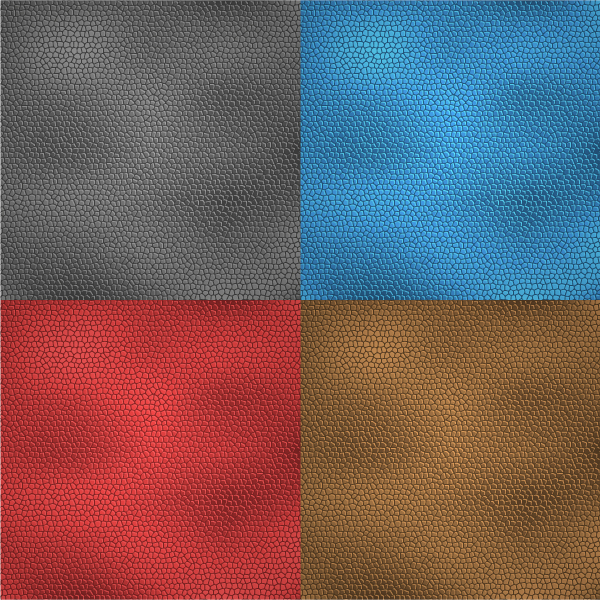
Create Your Own Leather Texture Using Adobe Illustrator
How to Create Infographics in Adobe Illustrator

Create a Student’s Desk in Top View Using Simple Shapes and Textures

How to Create a Self Portrait in a Geometric Style

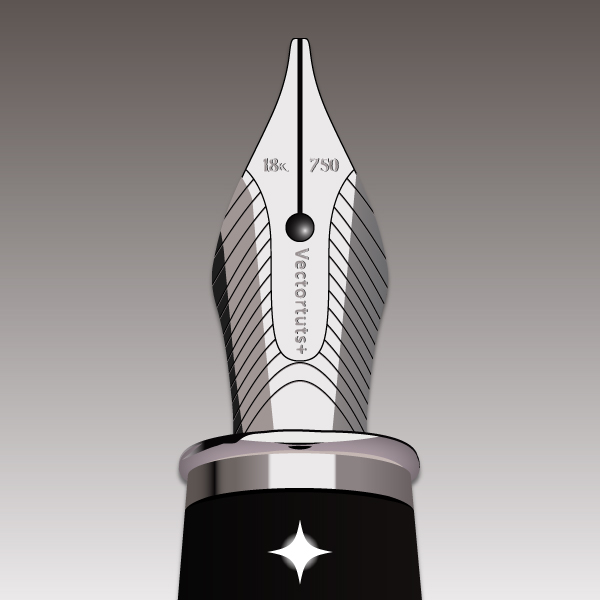
How to Create a Realistic, Shiny Fountain Pen Nib in Vector
Learn How to Create a Vintage Label in Illustrator

How to Create an Editorial Illustration from Sketch to Vector
Creation of a Realistic 3D Calculator in Illustrator

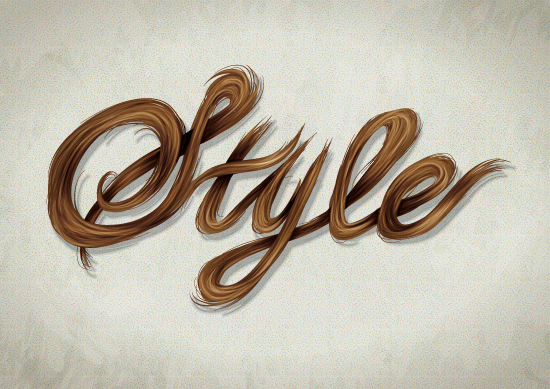
Create a Stylish Vector Hair Typography Illustration
How to Create a Golden Vector Compass in Illustrator

Create an Inspirational Vector Political Poster

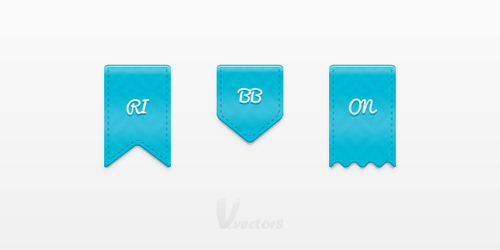
How to Create a Simple Set of Ribbon Icons
How to Create a Vector Sponge Art Effect in Illustrator

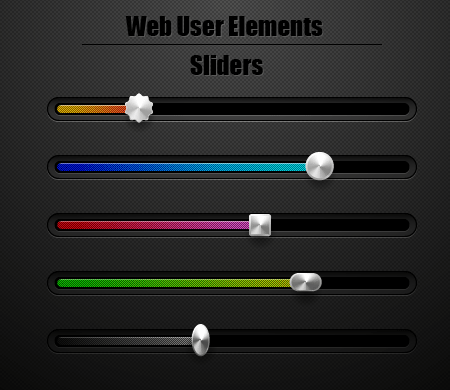
How to Create Web Interface Sliders Using Adobe Illustrator
I hope you’re leaving this page with lots of tabs open in your browser window and that you’ve enjoyed your stay. Leave a comment below and tell us if we’ve missed something awesome.
Great Tutorials! I recently started a similar blog site at http://www.seefriedinc.com dedicated to designers and marketers. Pixel77 and DesignTNT are my goto sites for all design resources! Keep up the good work!
Hi there to every one, the contents existing at this web page are really amazing for people knowledge, well, keep up
the good work fellows.
Very useful set :) I’ve recently finished a course in Illustrator’s basics and I was looking for collections like this
Awesome for pack and tutorial Collections for Web Designers
You can even apply it directly to your hair with mixing it with anything for
great results. Better to apply lipstick carefully within
the lines of the lip pencil. Blow drying it so it
is completely free from moisture is necessary to keep
both hair and wig clean.