

Illustrator and Photoshop Tutorials Roundup – January 2013
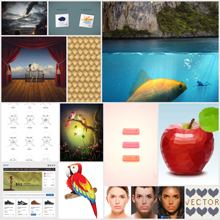
The last tutorial roundups I put together for you were with the best (and most popular) Photoshop and Illustrator tutorials from last year. With the fresh new start offered by 2013, a new tradition has been formed: once a month I’m going to select the finest and most interesting tuts in a complete roundup. Stay in touch with the latest trends and techniques, constantly update you design skills and have fun along the way.
Let’s take a look at what January had to offer!
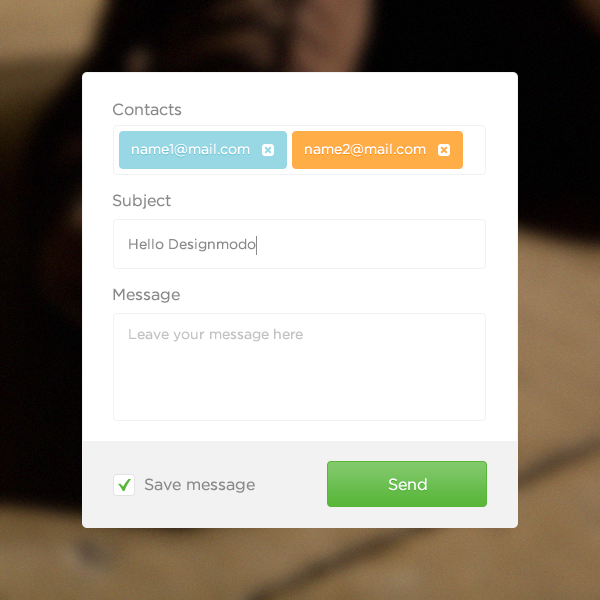
Create a Simple Contact Form in Adobe Photoshop
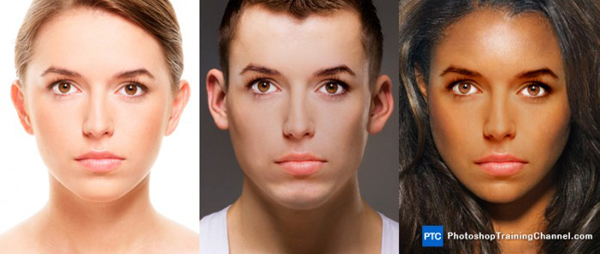
Swap Faces in Photoshop
Create an Underwater Scene of a Giant Goldfish in Photoshop

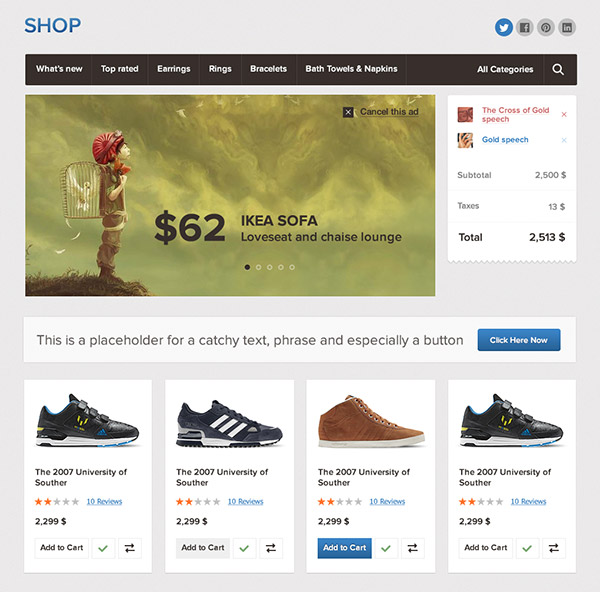
Create a Website Design Using the Bricks UI
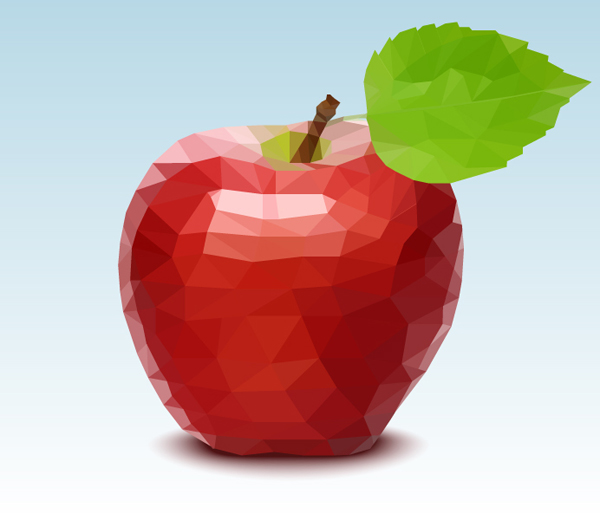
Illustrator Tutorial: How to Create a Polygonal Vector Mosaic
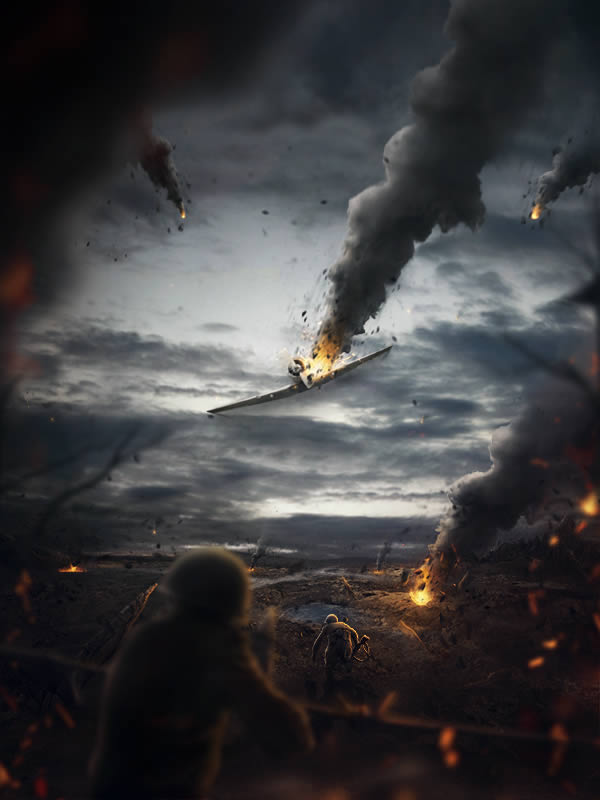
Create a Battlefield Scene Using Stock Photography in Photoshop
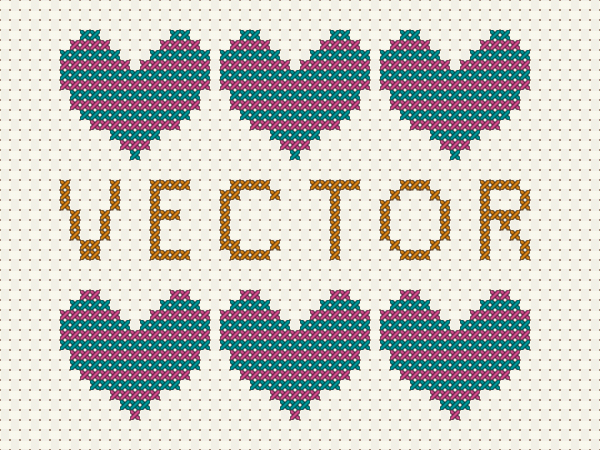
How to Create a Vector Cross Stitch Effect in Adobe Illustrator
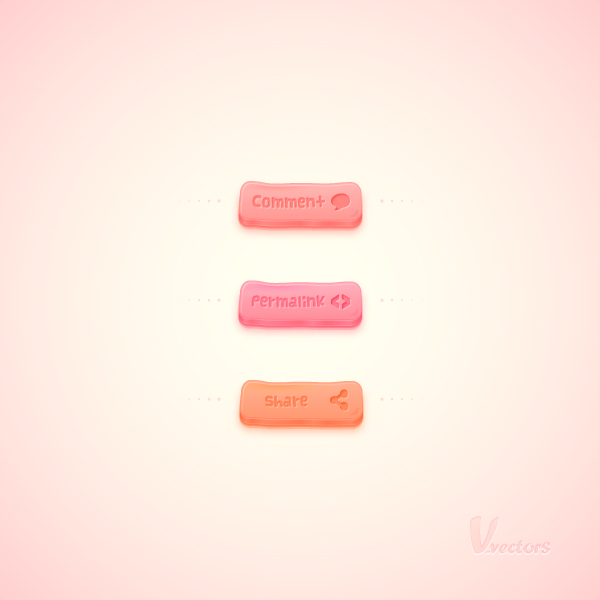
Quick Tip: How to Create a Set of Bubble Gum Buttons in Illustrator
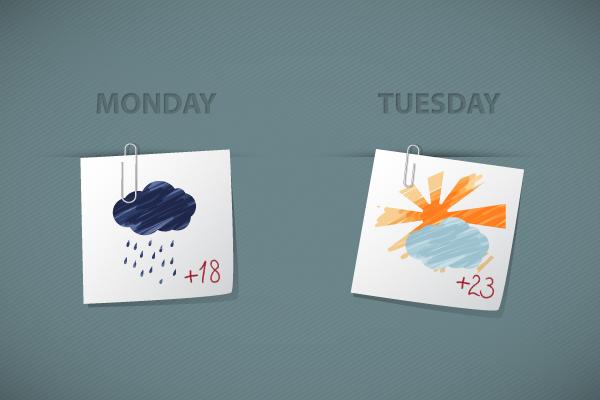
Quick Tip: How to Create Sketchy Weather Icons in Illustrator
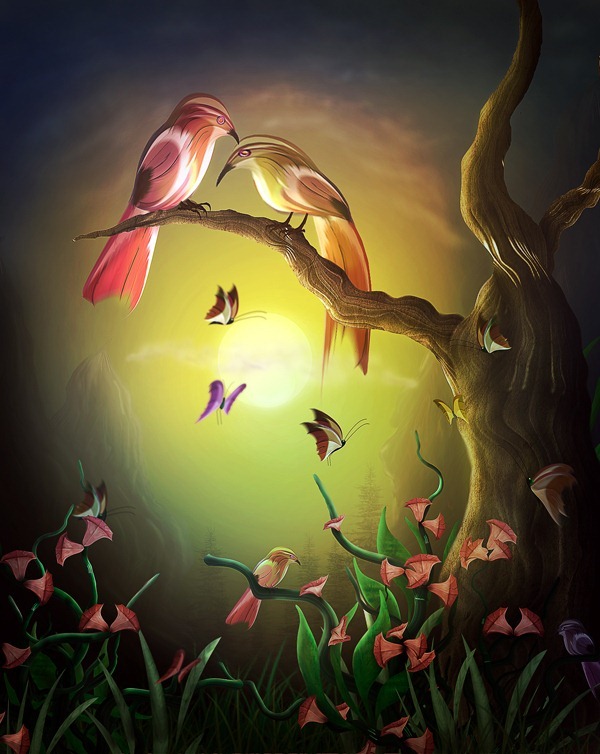
How to Paint a Lovely Pair of Birds in Photoshop
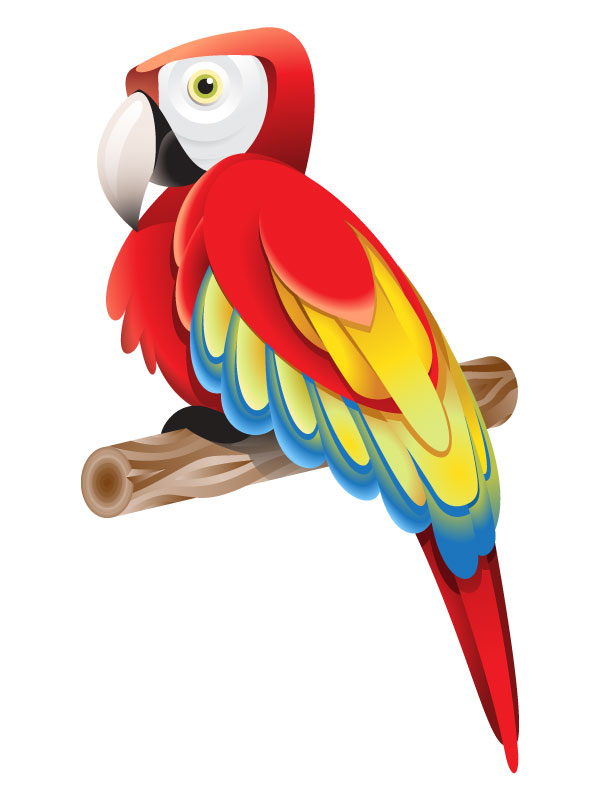
How to Create a Colorful Parrot Using Gradients in Adobe Illustrator
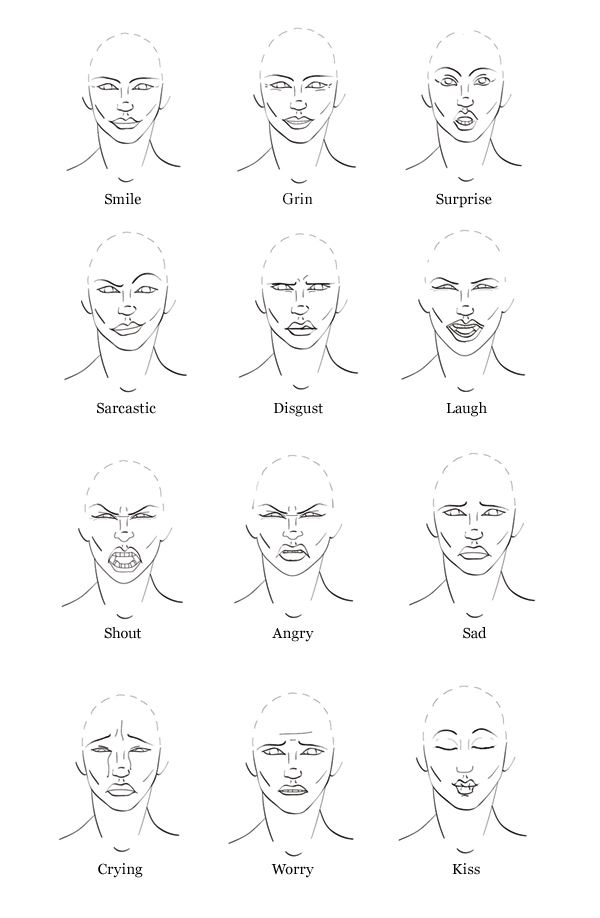
Quick Tip: How to Draw Facial Expressions to Show Emotion
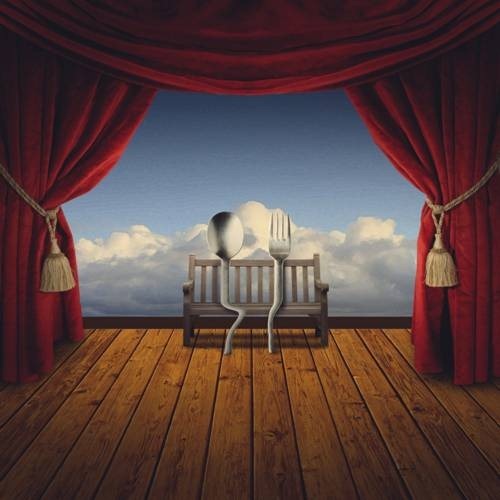
Create a Romantic Cutlery Artwork Inspired by Salvador Dali
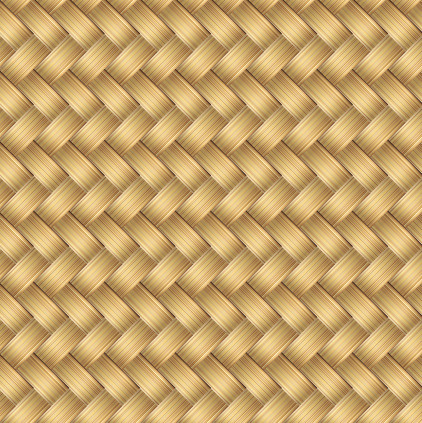
Quick Tip: How to Create a Wicker Seamless Pattern in Adobe Illustrator
If you’ve enjoyed this post or think other tutorials should have been included, let us know in the comments section below. It would honestly make us happy.
I created the Wicker Seamless pattern from the tut and it turned out looking great. thanks!
I'm looking for a way to make standard knitting charts easily in Illustrator. I'll be I'm not the only one. Any suggestions? If I don't hear anything, I'll try to figure it out and submit it as a tut. Ugh another thing to do.
I created the Wicker Seamless pattern from the tut and it turned out looking great. thanks!
I'm looking for a way to make standard knitting charts easily in Illustrator. I'll be I'm not the only one. Any suggestions? If I don't hear anything, I'll try to figure it out and submit it as a tut. Ugh another thing to do.
I don’t know much about knitting, but there are some default patterns that you’ll probably find helpful. You’ll find them in the Patterns > Basic Graphics menu in the Swatches’ floating menu (bottom left button of the window).
Hi Andra … Cool roundup, maybe for the February list you decide to include one of my tutorials :) Thanks
Good roundup.
Nice roundup, very useful stuff!
Thanks for the resource. can't wait to go through all these tutorials.
Slt merci de me faire parvenir des tutos pour ma formation et portez vous bien et merci. Sylvestre Landry